Extreme Soccer Keyboard & Mouse Controls
PC input habits for physics street soccer.
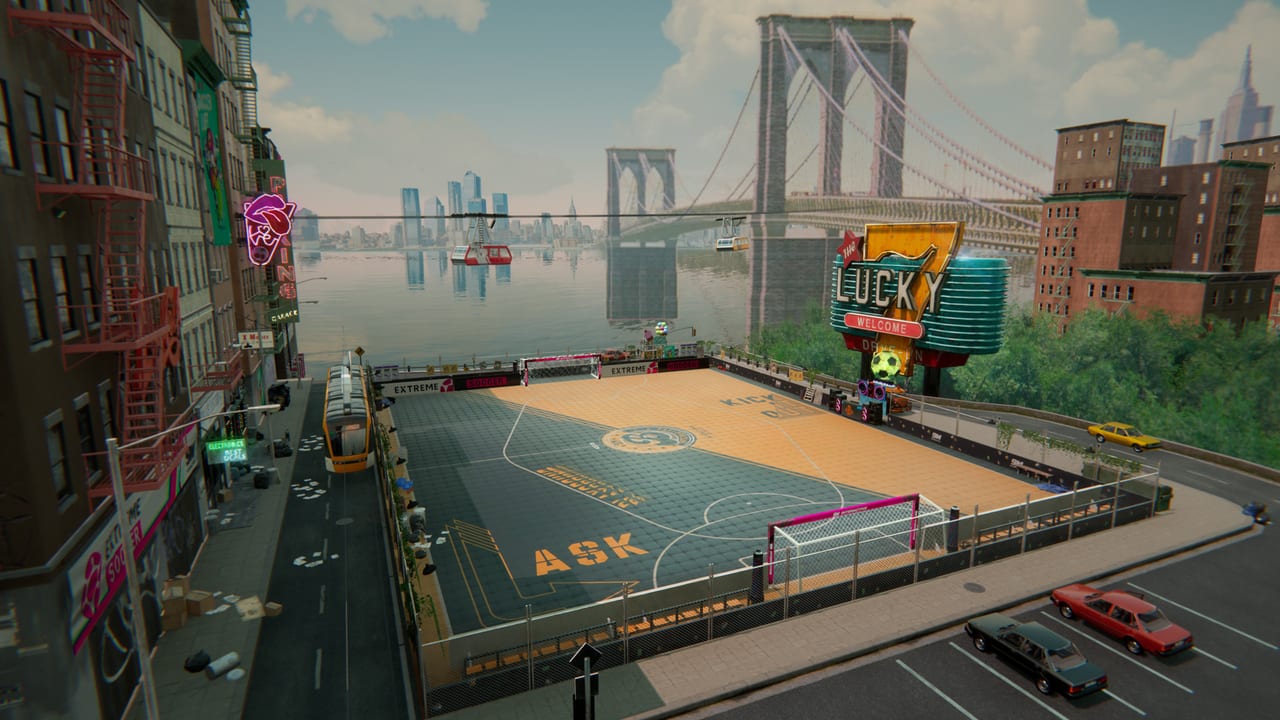
Keyboard and mouse remain a practical way to play Extreme Soccer on PC, especially if you already aim and strafe with a classic WASD-style layout. This page explains the action model owners should internalize, how to build reliable PC habits, and how keyboard play interacts with wall physics, assisted passing, and unique character skills. Exact key labels can vary by build and any in-game remaps you apply, so treat the on-screen prompts and settings menu as the final authority for your install. The goal here is decision quality, not a fake universal key sheet.
If you prefer sticks, switch to the controller guide after reading the shared fundamentals below. Both devices should express the same match language described in the Controls Hub.
Core keyboard action groups
Organize your left hand around movement and your right hand (or mouse) around ball actions. In a typical PC sports setup you will repeatedly cycle through:
- Move — reposition for receive, cover, or shot lane
- Pass — trigger the assisted pass toward a teammate
- Shoot — release toward goal when the angle exists
- Sprint / accelerate — close or create separation
- Tackle / challenge — contest a loose or heavy touch
- Skill / ability — fire the unique character special
Because Extreme Soccer is 3v3 futsal-style street soccer, you control one avatar for the whole match. There is no constant player switching like eleven-a-side sims. That makes keyboard movement discipline even more important: if you are out of position, nobody else is taking your defensive lane.
Movement first, buttons second
Most keyboard turnovers happen because players hold sprint while facing the wrong way. Build this warm-up:
- Strafe parallel to a wall while watching the ball, not your own feet.
- Stop completely before a first touch when a teammate’s pass is arriving hot.
- Approach intercepts on a curve so you can face the next pass immediately.
Wall geometry is the signature of this game. A keyboard player who only runs toward the ball in a straight line will lose to someone who cuts the bounce line two steps earlier. Practice “ghost runs” where you move to the exit point of a wall pass before the pass is even struck.
Passing on keyboard
The assisted passing system lets you send the ball to teammates across the court with a single committed pass input. On keyboard, the risk is over-tapping: panic passes into covered teammates. Use this checklist:
- Face the lane you want, then pass.
- Prefer wall-assisted routes when the central corridor is clogged.
- Pass to space your teammate is entering, not to their current pixel.
- After you pass, move — standing still after release is free pressure for the other team.
Assists are tracked in Steam achievements (including an assist milestone), so good keyboard pass timing is not just style; it is measurable team play.
Shooting and finishing
Keyboard shooters often telegraph every finish by running dead-center and mashing shoot. Mix these patterns:
- First-time finishes off a wall rebound when a defender turns late.
- Cut inside then shoot after a short receive.
- Far-post banks when the near angle is body-blocked.
- Pass fake into shot by shaping as if you will recycle, then finishing.
Hat Trick and Score achievements reward finishing consistency. Still, forced shots from bad angles lose more games than patient extras. If two defenders collapse, recycle to the weak-side teammate instead of forcing a blocked keyboard blast.
Tackle timing without griefing your own shape
Tackle milestones exist for a reason: challenges are part of the design. Mistimed keyboard tackles, however, open tunnels. Rules of thumb:
- Tackle when the attacker’s touch is heavy or they look at the skill button too long.
- Do not dive if you are the last player between ball and goal mouth.
- Prefer intercepts — body placement that steals without animation commitment.
- After a missed tackle, sprint recovery on a recovery arc, not a straight panic line.
Intercept and tackle achievements can tempt spam. Competitive play wants selective aggression.
Skills and cooldown awareness on PC
Each of the five characters has unique abilities and stats. On keyboard it is easy to bind skill next to shoot and fire both in panic. Don’t. Read abilities and cooldowns and decide a personal rule such as: “Skill only when a teammate is inside the finishing zone” or “Skill only to escape a double team.” Cooldown windows are tempo. Burning a special to look flashy in an empty half wastes the next real chance.
Pair skill choice with roster knowledge from the full roster overview and the opinionated character tier list. Keyboard muscle memory should match the archetype you selected in the lobby.
Mouse habits (if your build uses aim assist from mouse)
Some players naturally use the mouse for camera or directional bias while keys handle actions. If your session feels better with mouse support:
- Keep the cursor or aim region calm; twitchy mouse swings create wild shot traces.
- Align toward the intended bounce point before you press shoot.
- Avoid spinning the view during a receive — stabilize first touch first.
If mouse input fights your keyboard movement, simplify: keys-only for a week until pass and shoot timing stabilize, then reintroduce mouse if needed.
Settings and comfort
Before ranked-feeling lobbies:
- Confirm your movement keys feel natural for long sessions.
- Separate pass and shoot enough that you do not misclick under pressure.
- Put skill on a deliberate key, not the same cluster as emergency tackle if you mis-hit often.
- Lower any unnecessary camera noise so wall lines stay readable.
- Play one private warm-up sequence: ten wall passes, five shots, three skill uses on purpose.
Keyboard vs controller decision
Stay on keyboard if you value discrete taps and PC aiming habits. Move to controller if analog movement would improve your first touch and jockeying. Many players in small-population sports titles settle on controller for movement and never look back; others keep keyboard forever. The wrong choice is constantly switching without reps.
Session plan for keyboard players
- Minutes 0–5: movement and wall receives only.
- Minutes 5–15: assisted pass patterns with a friend or whoever is in lobby.
- Minutes 15–25: finishing drills off rebounds.
- Minutes 25+: full matches with a personal foul budget (for example, no more than a handful of speculative tackles).
Track whether your turnovers come from bad movement, bad pass timing, or skill panic. Fix one category per session.
Related pages
- Return to the Controls Hub for the overview.
- Compare device feel on the controller page.
- Link skills to the Characters Hub and outfits only after input is stable — cosmetics will not fix mistimed passes.
- Study playstyle tiers so your keyboard habits match wall passer, skiller, or poacher roles.
Keyboard Extreme Soccer is about calm hands in a chaotic bounce game. Master movement and wall-aware passing first, then let shooting and skills become punctuation instead of the whole sentence.
Frequently Asked Questions
Quick answers to the most common questions.
Are the default Extreme Soccer keybinds listed here exactly?
No universal public key sheet is treated as gospel here. Check your in-game prompts and settings, then practice the action model: move, pass, shoot, sprint, tackle, skill.
Is keyboard worse than controller?
Not inherently. Steam advertises full controller support, but keyboard remains viable on PC. Pick one primary device and drill wall passes until timing is automatic.
How do I practice wall passes on keyboard?
Face the wall lane, pass into the board so a teammate meets the exit angle, then move immediately after release. Repeat until you stop passing into covered central bodies.
When should I use my character skill on keyboard?
When it creates a real second action—escape from a double team or a finish setup—not the instant the cooldown returns. See the abilities page for cooldown discipline.
Why do I keep mis-tackling on keyboard?
You are probably challenging before the attacker’s touch is heavy. Delay a beat, prefer intercepts, and save tackle for exposed balls.
Should mouse be required?
Only if it helps your aim without wrecking movement. If mouse input adds chaos, play keys-focused until pass and shoot timing stabilize.